SEO for E-commerce: A Beginner’s Guide to Driving Organic Traffic

E-commerce SEO helps an online shop appear when people search for products, solutions, and buying advice. The goal is not simply to attract more visitors. It is to bring in qualified organic traffic from shoppers who are likely to compare, consider, and purchase what you sell.
What Is E-commerce SEO and Why Does It Matter?
E-commerce SEO is the process of improving an online shop so search engines can understand, index, and rank its pages for relevant searches. It connects product discovery with useful content and a smooth shopping experience.
General SEO principles apply to most websites, but e-commerce SEO has a stronger focus on products, categories, inventory, commercial intent, and conversions. A blog may succeed by answering a question, while an online store must also help visitors evaluate products and complete a purchase.
Searchers can enter your site at different stages of the buying journey:
- Discovery: someone searches for broad information, such as “how to choose a hiking backpack.”
- Consideration: a shopper compares options, such as “20L hiking backpack with laptop sleeve.”
- Purchase: a customer searches for a specific product, brand, or model.
SEO can support each stage through category pages, product pages, buying guides, comparison content, and FAQs. Paid advertising can produce visibility quickly, but organic traffic can continue after the initial optimization work. The trade-off is time: rankings usually require consistent improvements rather than a single campaign.
Start with E-commerce Keyword Research
Keyword research identifies the words and phrases potential customers use when looking for products, categories, and answers. Start by grouping keywords according to both the item being searched for and the searcher’s intent.
Make a basic list from your catalog, customer questions, competitor categories, and phrases used in product reviews. Then organize terms into four useful groups:
- Product keywords: specific searches such as “stainless steel insulated water bottle.”
- Category keywords: broader terms such as “insulated water bottles.”
- Informational keywords: questions such as “how long does an insulated bottle keep water cold?”
- Long-tail keywords: detailed phrases that often reveal a clearer need, such as “leakproof insulated water bottle for cycling.”
Match each group to the page that can answer it best. A specific product keyword usually belongs on a product page, while a broad category term may suit a category page. For beginners, this mapping prevents a common error: forcing every keyword onto the homepage.
Review search results manually before choosing a target. Look at the types of pages that appear, the wording competitors use, and whether the results show products, guides, or local businesses. If the results consistently feature category pages, a single product page may struggle to satisfy the search intent.
Prioritize keywords using a simple filter: relevance, buying intent, realistic competition, and business value. A smaller phrase that closely matches your products may produce fewer visits than a broad term, yet attract better-qualified shoppers.
Optimize Product and Category Pages
Product pages and category pages should clearly explain what is sold, who it is for, and why it deserves consideration. Optimize the visible content first, then refine metadata and supporting elements.
Product page essentials
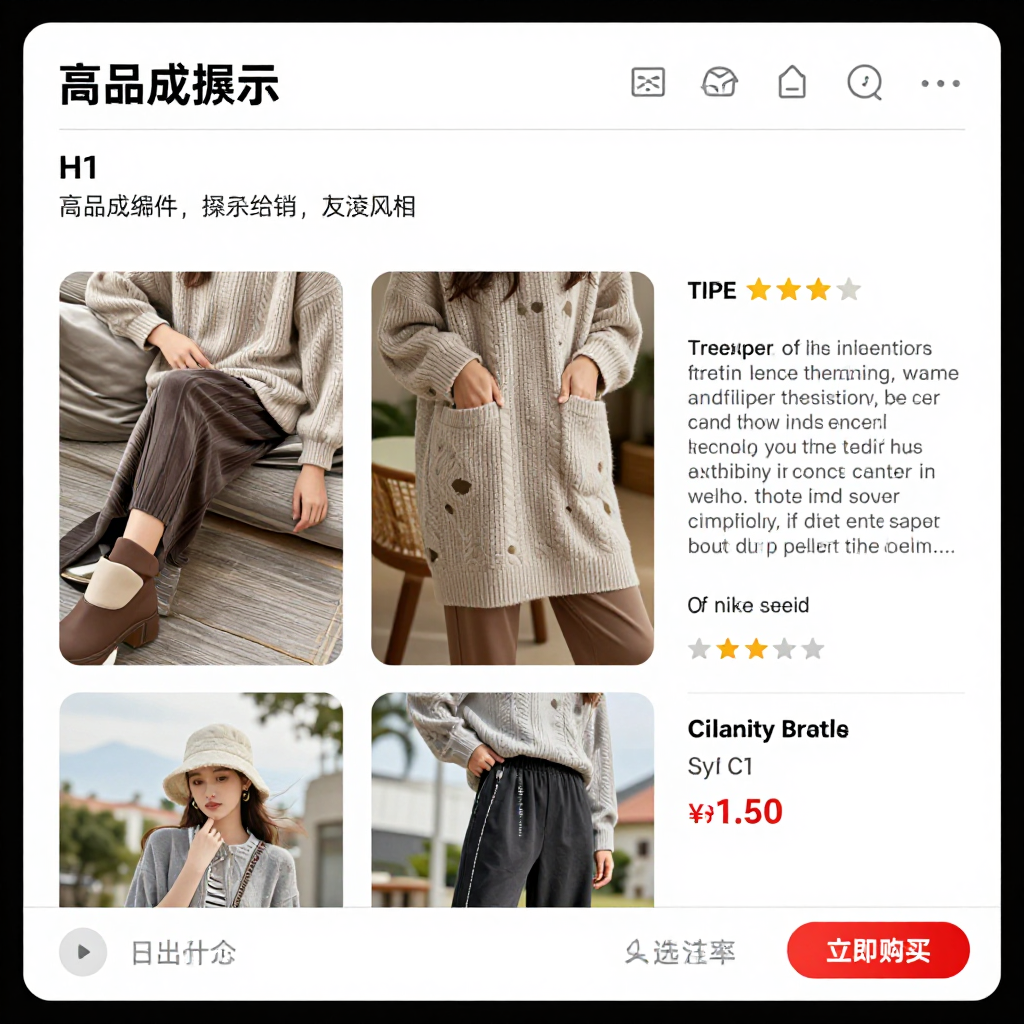
- Write a descriptive title that includes the product name, defining feature, and brand or model when relevant.
- Use one clear H1 heading that matches the page’s main product topic.
- Create original descriptions covering materials, dimensions, compatibility, use cases, care instructions, and limitations.
- Use high-quality images with descriptive file names and helpful alt text.
- Show price, availability, delivery details, returns, and a visible call to action.
- Add customer reviews when they are genuine, relevant, and collected in line with applicable rules.
A product description should help someone decide, not merely repeat a manufacturer’s specification sheet. Explain the practical difference between features. For example, instead of listing “double-wall insulation,” describe how that construction helps keep a drink cold during a commute while adding weight or thickness.
Category page essentials
Category pages deserve substantial attention because they organize products around broader search intent. Add a concise introduction, useful subcategory links, filtering guidance, and enough original copy to explain what shoppers will find. Avoid placing a large block of text above the product grid if it pushes products too far down the page.
Write a unique SEO title and meta description for each important page. Metadata can influence how a listing is presented in search, but it should accurately describe the page rather than promise benefits the product cannot deliver. Keep URLs readable, using words that identify the category or product.
Build a Search-Friendly Site Structure
A search-friendly site structure organizes products into logical paths so shoppers and search engines can reach important pages in a few clear steps. Navigation, breadcrumbs, and internal linking should reinforce the relationship between categories, subcategories, products, and helpful content.
A straightforward structure might look like this:
- Home
- Category
- Subcategory
- Product
Use navigation labels that describe what users will find. A label such as “Outdoor Gear” may be appropriate for a broad department, while “Water Bottles” is clearer for a focused category. Breadcrumbs provide another route back to parent categories and help users understand where they are.
Internal links should be useful, not mechanical. Link from a buying guide to relevant categories, from categories to priority products, and from product pages to compatible accessories or related items. Descriptive anchor text gives users context and helps search engines interpret the destination.
Filters require care. Color, size, price, and other combinations can create many near-duplicate URLs. Decide which filtered pages deserve indexation and prevent low-value variations from becoming a crawl burden. Keep important category and product pages accessible through ordinary links rather than relying only on search boxes, scripts, or filters.
Cover the Technical SEO Essentials
Technical SEO makes an online shop accessible to crawlers and usable for customers. Beginners should first address mobile usability, page speed, crawlability, indexation, duplicate content, HTTPS, and structured data.
Check that pages work well on smaller screens, buttons are easy to tap, and shoppers can view product information without awkward horizontal scrolling. Compress oversized images, reduce unnecessary scripts, and test important templates on real mobile devices. Faster pages support a better experience, although speed improvements should not remove essential product information or useful functionality.
Crawlability means search engines can discover your pages through links. Indexation means eligible pages can be stored and considered for search results. Use a site audit or Google Search Console to identify blocked pages, server errors, broken links, and unexpected exclusions.
E-commerce stores often create duplicate content through product variants, sorting parameters, printer-friendly URLs, or syndicated descriptions. Use consistent preferred URLs and canonical tags where appropriate. A canonical tag signals which version should be treated as the primary page, but it does not replace a clean site structure or correct internal links.
HTTPS protects connections and is expected for modern shopping websites. Structured data, including relevant product information, can help search engines interpret details such as price, availability, and reviews when the markup accurately reflects visible page content. Always follow current documentation and validate implementation rather than adding schema markup blindly.
Create Content That Supports Your Online Shop
Content supports an online shop when it answers real customer questions and leads naturally to relevant products. Buying guides, comparisons, FAQs, and educational articles can capture informational searches before a shopper is ready to purchase.
Choose topics from customer service conversations, product reviews, search suggestions, and gaps in your existing catalog. A shop selling coffee equipment might publish a guide to grinder settings, a comparison of manual and electric grinders, and an FAQ about cleaning burrs. Each article should link to the category or products that solve the problem discussed.
Strong supporting content has a clear purpose:
- Buying guides explain selection criteria and help readers narrow options.
- Comparisons clarify differences between models, materials, sizes, or use cases.
- FAQs address objections about fit, maintenance, delivery, compatibility, or returns.
- Educational content explains how to use, care for, or evaluate a product.
Keep recommendations honest. If one product suits beginners while another serves experienced users, say so. Trust grows when content acknowledges limitations instead of presenting every item as ideal for everyone.
Measure, Maintain, and Improve SEO Performance
Use Google Search Console and analytics to connect search visibility with useful visits and sales. Track impressions, clicks, click-through rate, rankings, organic landing pages, engagement, and conversions over time.
Google Search Console shows which queries and pages generate impressions and clicks, while analytics helps you understand what visitors do after arriving. A page with many impressions but few clicks may need a clearer title or meta description. A page with clicks but weak conversions may have a mismatch between search intent, product offer, price, or user experience.
Review performance monthly, but avoid reacting to a few days of fluctuation. Create a simple improvement cycle:
- Find important pages with impressions but limited clicks.
- Compare the page with the search intent and competing results.
- Improve the title, page copy, images, links, or product information.
- Check indexing, mobile usability, and technical errors.
- Record the change and reassess after sufficient time.
Prioritize pages close to producing value: important categories with impressions, products receiving qualified visits, and articles that can pass visitors to commercial pages. SEO performance rarely improves through rankings alone. The stronger measure is whether organic visitors find the right products and take meaningful actions.
Frequently Asked Questions About E-commerce SEO
How long does e-commerce SEO take to produce results?
Results vary with competition, site history, technical condition, content quality, and the number of improvements made. Some indexing or click changes may appear within weeks, while meaningful growth often requires several months of consistent work. No ethical SEO process can guarantee a fixed ranking or traffic timeline.
What are the most important SEO elements on a product page?
Prioritize a clear title and H1, original product information, useful images and alt text, accurate availability and price details, strong internal links, reviews where appropriate, and a clear purchase action. Technical accessibility and mobile usability matter just as much as keyword placement.
Should online shops optimize category pages?
Yes. Category pages often target broader product searches and help users compare multiple options. Give each important category a clear purpose, descriptive metadata, unique introductory content, logical filters, and links to its subcategories and products.
How can a small e-commerce business compete in search results?
Focus on a narrow product area, specific long-tail searches, genuinely useful guidance, and excellent product information. A small shop may compete more effectively for a clearly defined use case than for a broad term dominated by major retailers.
Can product reviews help e-commerce SEO?
Genuine reviews can add original language, answer shopper questions, and strengthen buying confidence. They should describe real customer experiences and remain visible on the relevant product page. Reviews cannot compensate for poor product quality, unclear information, or technical problems.